
Most field service problems do not feel like emergencies.
The technician who had to call the office to get an approval. The job that finished on site but took three days to show up in billing. The second truck roll for parts that should have been on the first truck. Each one feels like a minor inconvenience. Across a full team running dozens of jobs a day, they add up to real revenue sitting in gaps that a better system would close.
The operators who improve fastest are the ones who can see these patterns before they become crises. Here are the five most consistent warning signs that your field operation has a systemic problem worth fixing.
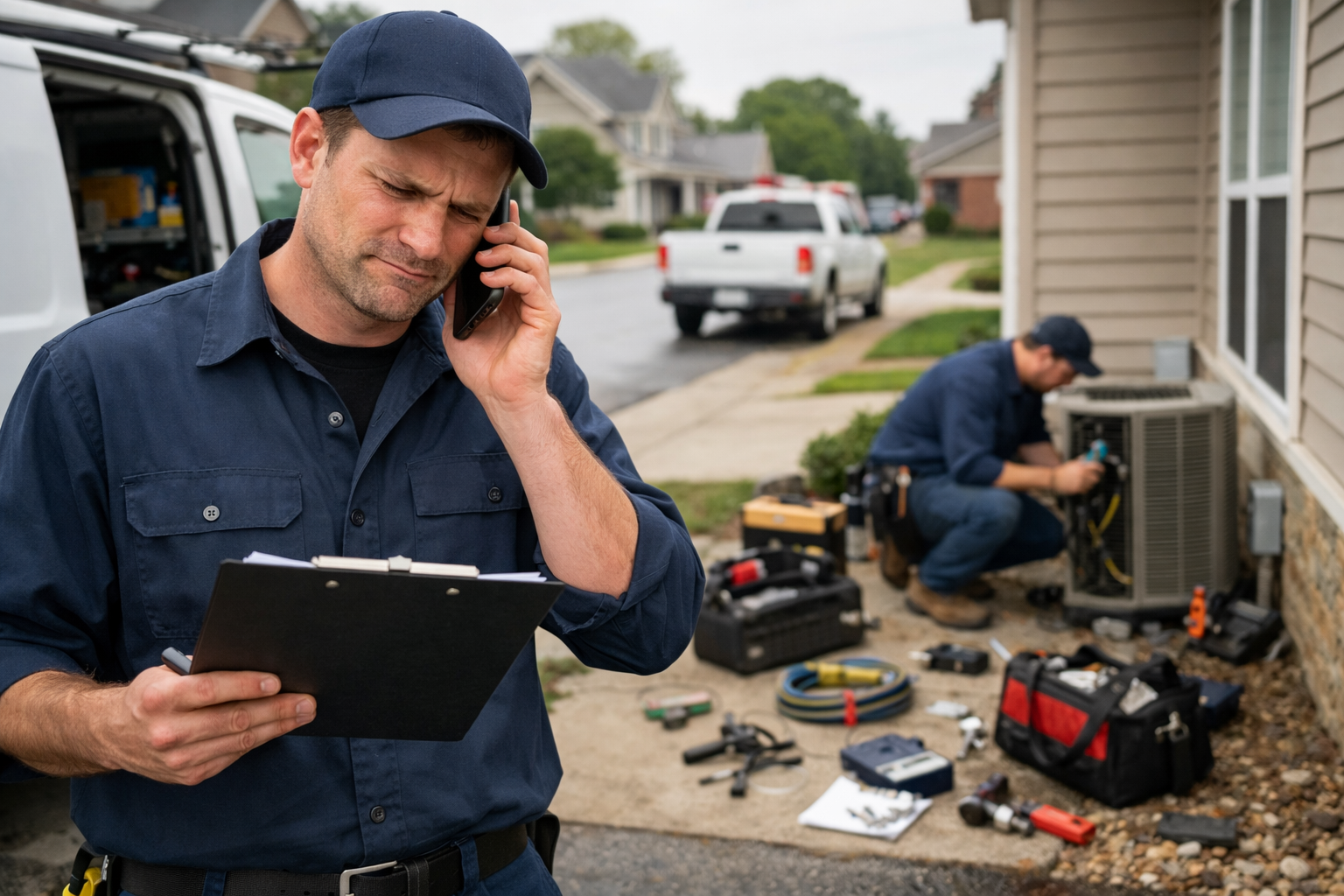
Red flag 1: Your techs regularly call the back office during a job
When a technician is on site and needs an approval, account information, or guidance on a non-standard install, the default in most operations is a phone call. Dispatch picks up. Or does not. Phone tag follows. The job sits incomplete while the technician burns through time that was allocated for the next stop.
One blocked job often costs two installs. The current job stalls, and the next one starts late or gets dropped from the day entirely.
The underlying problem is not communication style. It is that information is not accessible from the field. A connected field service platform puts customer account data, installation history, job notes, and approval workflows directly on the technician's mobile device, so the job keeps moving without a phone call.
Red flag 2: Parts problems caused at least one repeat visit in the last 30 days
If a technician has arrived at a job and discovered the ONT is the wrong model, a connector is missing, or the truck does not have what the job requires, your operation has an inventory visibility problem.
The cost of that visit is not just the truck roll. It is the full activation delay for that customer, the rescheduling overhead, and the technician capacity wasted on a trip that produced no revenue. The Technology Services Industry Association estimates that fully loaded dispatch costs, including labor, travel, parts, and administrative overhead, run closer to $1,000 per visit than the $150 to $300 most operators use in their mental math.
Real-time inventory management means every technician can see exactly what is on their truck before leaving the depot, and parts are assigned to jobs based on what the work actually requires. Low-stock alerts surface before the shortage becomes a missed install.
Red flag 3: You find out about field problems days after they happen
If your visibility into what is happening in the field depends on a technician calling in, a paper form returning to the office, or an end-of-day verbal update, you are operating blind.
Problems that surface immediately can be resolved the same day. Problems that surface days later have already cascaded. A provisioning error that a tech noticed but did not formally log becomes a callback visit. A job that closed incorrectly delays billing. A customer who had a bad experience has already called your support line before anyone on the operations team knew something went wrong.
Live job status updates, GPS tracking, automated flags when jobs run long, and digital job closure all eliminate the information lag. Operations teams see what is happening as it happens, not after it has already cost something.
Red flag 4: More than three days pass between install completion and first invoice
This is the red flag with the most direct revenue impact, and the one most operators underestimate.
If your billing system does not know a job is complete until someone in the back office manually initiates the process, every day of that delay is a day a customer is not paying. For an operator running 100 installs per month with a seven-day average activation delay and a $70 monthly ARPU, the annual revenue sitting in that gap exceeds $60,000. That is not recoverable.
When field completion automatically triggers provisioning and billing, the revenue clock starts the same day the install finishes. No paperwork queue. No billing team member keying in job details. The technician marks the job complete in the mobile app and the system handles everything downstream.
Red flag 5: Your scheduling is done manually by a dispatcher
Manual scheduling is not just slower than optimized routing. It is structurally incapable of considering all the variables that determine whether a technician's day is productive.
Skills-based matching, parts availability, geographic clustering, real-time rerouting when a job runs long or a priority changes, these are decisions that a dispatcher working a spreadsheet or a basic calendar tool cannot make simultaneously across a full team. The result is technicians driving inefficient routes, jobs assigned to installers without the right certifications, and capacity sitting unused because nobody found the next logical job in time to fill the gap.
Top-performing fiber operators reach 3 to 5 installs per technician per day. Operations running manual scheduling typically average 2 or fewer. That gap is not a technician performance issue. It is a systems issue.
Counting your red flags
If you recognized your operation in two or three of these, you have identifiable gaps that are costing you revenue every day. If you recognized four or five, advanced field service management is not a future project. It is the fastest available path to throughput improvement.
The Field Service Guide to Doubling Technician Throughput includes a full self-assessment covering 18 specific red flags across six operational categories, a field efficiency gap calculator that puts a dollar figure on your specific situation, and a four-phase implementation approach that builds momentum without disrupting current operations. Download the guide here.
FAQs
What are the most common causes of repeat visits in fiber installation?
The five most consistent causes are wrong or missing parts on arrival, bad address data, inability to reach the back office during a job, provisioning failures that prevent same-visit activation, and incomplete job documentation that delays billing. All five share the same root cause: information that does not flow automatically between the field and the back office.
How much does a repeat truck roll actually cost?
Direct costs for labor, fuel, vehicle, and overhead typically run between $150 and $300 per visit. Industry research from the Technology Services Industry Association suggests fully loaded costs including dispatch overhead and administrative processing are closer to $1,000 per dispatch. Beyond the direct cost, each repeat visit delays revenue activation for that customer and removes technician capacity from new installs.
What does field-to-revenue automation mean in practice?
Field-to-revenue automation means that when a technician marks a job complete in a mobile app, provisioning triggers automatically, the device activates within minutes, and the billing system receives the completion data without any manual steps in between. Operators with connected systems generate invoices the same day as installation. Operators with disconnected systems average more than seven days between install completion and first invoice.
How can I tell if my field scheduling is costing me capacity?
Signs include technicians regularly driving long distances between consecutive jobs, jobs assigned to installers who lack required certifications, and parts shortages discovered at the job site rather than at the depot. If your team is completing 2 or fewer installs per technician per day, manual scheduling is likely a significant contributor.
What is the difference between basic dispatch software and advanced field service management?
Basic dispatch assigns jobs. Advanced FSM considers capacity, technician skills, parts availability, geographic clustering, and real-time job status simultaneously, and uses all of it to make better decisions automatically. The result is more installs per day from the same team, higher first-time fix rates, and direct integration with provisioning and billing so field completion starts the revenue clock without manual intervention.